Charts & graphs
Free box and whisker plot maker
Create box plots, box-and-whisker charts, and box graphs online—open a template, enter grouped sample data or five-number summaries, style whiskers and median lines, and export PNG, SVG, or PDF. Free box plot generator, no account required.
- Online box plot maker—no credit card or signup
- Box-and-whisker generator from raw samples or summary stats
- Box chart maker for comparing medians and spread across groups
- Export PNG, SVG, or PDF for reports and slides
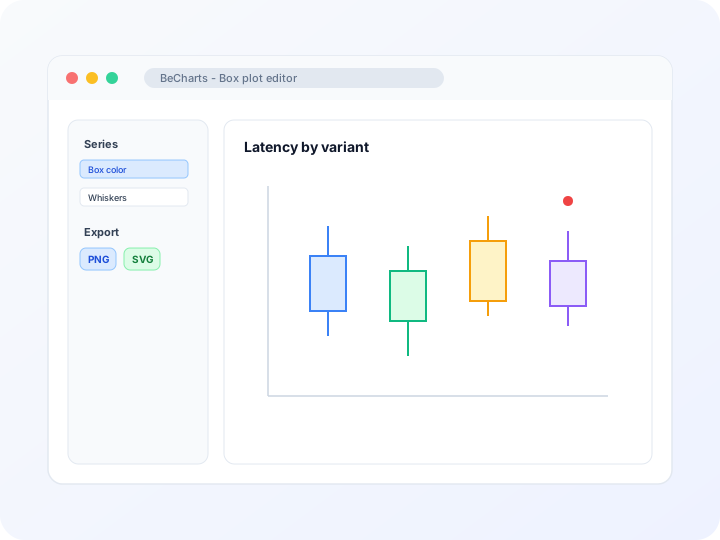
Styling
Customizable boxes, whiskers, and outliers
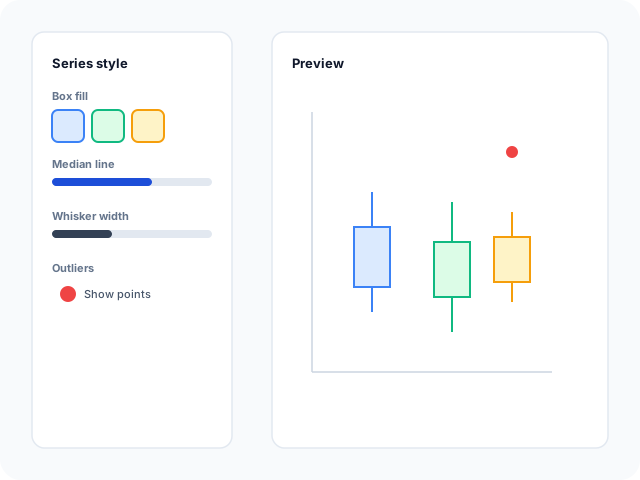
Adjust box fill, border width, median line color, whisker length rules, and outlier marker style in the editor sidebar. Switch orientation when category labels need more room.
Data
Start from distribution sample data
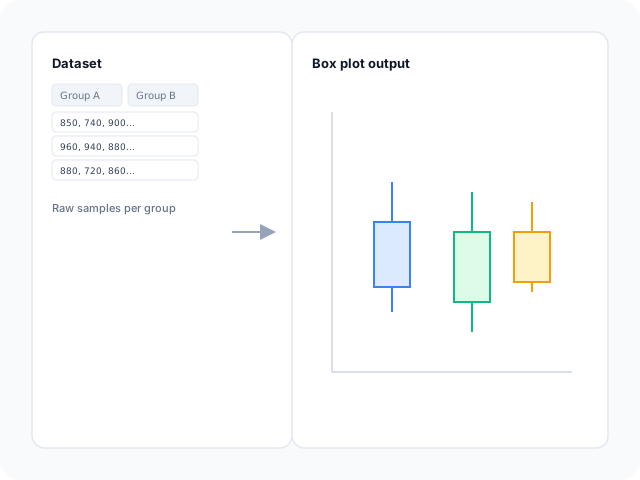
Templates load with grouped raw samples that ECharts transforms into quartile boxes automatically. Replace values per category in the dataset panel to match your experiment or survey groups.
Output
Export for lab reports and decks
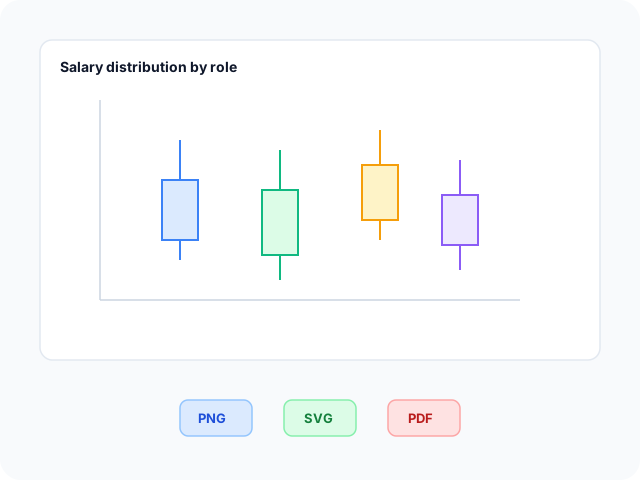
Download high-resolution PNG for slides, vector SVG for design tools, or PDF for documents. Box colors, median lines, and axis labels carry through to every export format.
Box plot layouts
Start from a vertical group comparison or a horizontal layout for long category labels, then open any example in the editor.
- Vertical group comparison box plotCompare medians and spread across experiment runs or product variants. Sample raw measurements transform into quartile boxes per category on the horizontal axis.
- Horizontal box plot layoutFlip the chart when category names are long or you need a sideways distribution view. Whiskers and median lines follow the same five-number summary rules.
Popular use cases for box plots
Box plots summarize how values spread within groups. These are common workflows teams build in the editor and export for analysis decks.
- Experiment and A/B test resultsCompare latency, conversion lift, or response times across variants when median and spread matter more than a single average bar.
- Salary and compensation bandsShow quartile ranges across roles or regions while keeping individual outliers visible beyond the whiskers.
- Quality and manufacturing samplesTrack measurement distributions per batch or line to spot shifts in median or widening spread before defects spike.
- Survey score distributionsSummarize Likert or numeric ratings per segment when you need spread and median, not just mean totals.
- Scientific replication studiesPlot replicate measurements per condition, then export SVG for papers or PNG for conference slides.
- Operations and SRE latency reviewCompare request-duration samples across services or regions to see whether tail latency diverges even when medians look similar.
Editor features for box plots
Distribution templates, whisker styling, and export options to move from grouped samples to a readable box-and-whisker chart quickly.
- Box plot templatesJumpstart from vertical and horizontal distribution layouts with sample grouped data you can open in one click.
- Quartile transform from samplesTemplates use ECharts dataset transforms so raw measurements per category become median lines and interquartile boxes automatically.
- Whisker and outlier stylingControl box borders, median emphasis, whisker length rules, and outlier dot display so extreme values stay visible.
- Category axis labelsSet axis titles and tick labels for experiment groups, regions, or product variants compared on the same chart.
- Orientation optionsSwitch between vertical and horizontal templates when long category names need more label space.
- Export and shareSave PNG, SVG, or PDF files for lab reports, analytics decks, and documentation workflows.
Common box and whisker plot searches
How this box plot maker handles typical tasks—from building a whisker chart to generating distributions online and exporting for reports.
- Box and whisker plot makerOpen a template, replace grouped sample values per category, tune whiskers and median lines, then download PNG, SVG, or PDF—no desktop stats software required.
- Box plot makerBuild a box plot in the browser: pick vertical or horizontal layouts, edit distribution data in the dataset panel, style boxes, and export presentation-ready files.
- Box plot generatorGenerate box-and-whisker charts from templates that compute quartiles from raw rows per group. Adjust colors and outlier markers after the boxes render.
- Boxplot makerBoxplot and box plot refer to the same chart type in search. Use one editor workflow—templates, whisker styling, and PNG, SVG, or PDF export.
- Box and whisker plot creatorCreate a whisker plot online without drawing quartiles by hand. Swap template sample groups for your measurements or paste five-number summaries.
- Online box plot makerFree box chart maker in the browser. No account or credit card is needed to compare medians, interquartile ranges, and outliers across categories.
How to create a box and whisker plot online in 4 steps
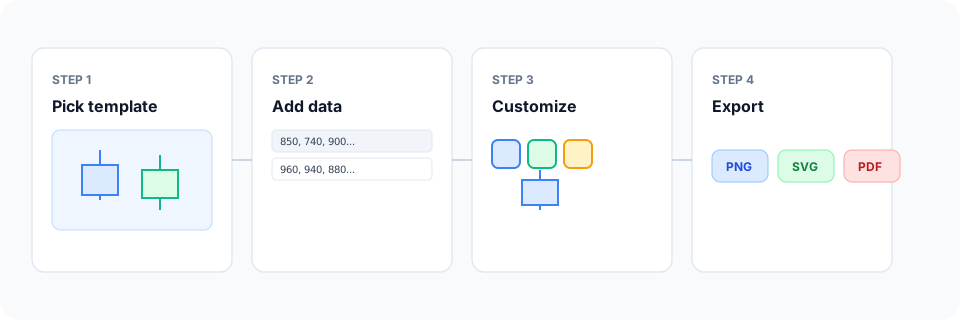
- Open the box and whisker plot maker or pick a vertical or horizontal template below.
- Replace sample grouped values in the dataset panel with your measurements or five-number summaries.
- Customize box colors, median lines, whiskers, and outlier markers until the distribution comparison reads clearly.
- Export as PNG, SVG, or PDF and add the chart to your report, slide deck, or paper.
What is a box and whisker plot?
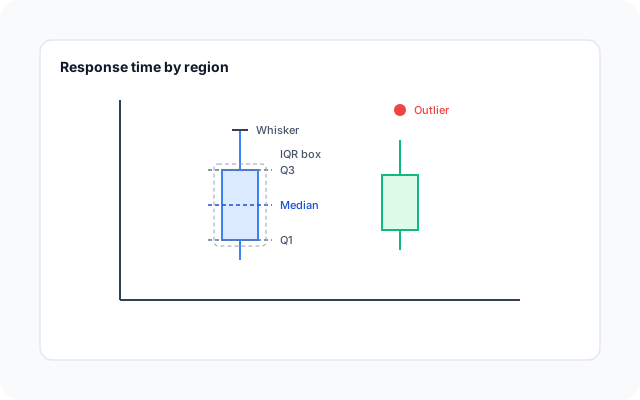
A box and whisker plot—also called a box plot, boxplot, box chart, or whisker diagram—summarizes a distribution with a median line, an interquartile box from the first to third quartile, whiskers that extend to typical min and max values, and optional outlier points beyond the whiskers.
Online box plot makers and generators let you compare several groups on one axis without calculating quartiles in a spreadsheet first. Templates can start from raw sample rows per category; the editor computes boxes and whiskers from those values.
Box graphs fit when spread and median matter across categories—experiment arms, salary bands, latency samples—not when you only need a single total per bar. Keep group counts and units consistent so viewers interpret whisker length correctly.
Box plot vs bar chart vs histogram
Use a box plot when you need median, quartiles, and outliers across groups—not just one total or average per category. Bar charts read faster for simple category sums at a single snapshot. Histograms show the shape of one distribution; box plots compare several distributions on shared axes.
Scatter plots plot individual x-y pairs; box plots aggregate many values per group into a compact summary. In BeCharts you can open a box plot template, style whiskers and median lines, and export PNG, SVG, or PDF when the comparison is ready.
Box plot templates
Browse box-and-whisker chart examples, then open any layout in the editor to replace sample distributions with your own.
Explore BeCharts
Jump to templates, the editor, documentation, and guides for box plots and related workflows.
Box plot templates
Browse vertical and horizontal distribution layouts and open any example in the editor.
Open chart editor
Start with a box plot template or switch to another chart type anytime.
BeCharts usage guide
Data formats, whisker styling, and series options for box plots.
How to choose a chart
Pick the right visualization when distributions, trends, or category totals matter.
Bar chart maker
Compare simple category totals when spread and quartiles are not required.
Chart template gallery
Explore bar, line, scatter, combo, and 15+ other chart types.
Frequently asked questions
- How do I create a box and whisker plot?
- Click "Create your box plot" or open any template on this page. Replace grouped sample values in the dataset panel, adjust whiskers and colors, then export PNG, SVG, or PDF from the toolbar.
- How do I make a box plot online?
- Pick a vertical or horizontal template, edit distribution data per category in the dataset panel, style median lines and whiskers in the Series sidebar, and download your chart when the comparison is ready.
- Is this a free box plot maker?
- Yes. You can open box plot templates and the distribution editor without a credit card or account. Export options are available from the toolbar at no cost.
- What is the difference between a box plot maker and a box plot calculator?
- A calculator page usually returns quartile numbers only. BeCharts is a chart maker—it computes quartiles from your grouped data, draws the full whisker graphic, and lets you export PNG, SVG, or PDF.
- Is this a box plot generator or a box plot creator?
- Both terms describe the same workflow here. Open a template, enter or replace distribution data, customize styling, and export—the editor generates the whisker chart from your values.
- Do I need pre-calculated quartiles?
- Not always. Gallery templates include raw sample rows per category; ECharts transforms them into quartile boxes. You can also paste five-number summaries when your layout expects pre-aggregated values.
- Can I import CSV into a box plot?
- Box plots do not support CSV upload in the editor today. Replace sample values in the dataset panel or paste rows that match the template structure.
- What is the difference between a box plot and a box-and-whisker chart?
- They refer to the same chart type. "Box chart," "box graph," "boxplot," and "whisker diagram" are common synonyms; BeCharts uses one editor for all of them.
- When should I use a bar chart instead of a box plot?
- Use bars when you compare one value per category—totals, counts, or averages—and spread is not the story. Box plots fit when median, quartiles, and outliers across groups need to be visible together.
- Can box plots show individual data points?
- Some layouts emphasize outlier markers beyond the whiskers. For small samples, consider pairing a scatter plot with your box plot in a separate chart when every point should be visible.
- How many groups can I compare?
- Add categories in the dataset after opening a template. If labels crowd the axis, switch to the horizontal box plot template for more label space.
- What file formats can I export?
- PNG and SVG are supported for digital use, and PDF for documents. Exports reflect box, whisker, and axis styles from the editor.