Charts & graphs
Free online theme river chart maker
Build theme river charts and streamgraphs in your browser—import CSV or paste time, category, and value rows, tune ribbon colors and the time axis, and export PNG, SVG, or PDF. Free theme river generator, no account required.
- Free theme river chart maker—no credit card or signup
- CSV, Excel, and paste import for time + category + value rows
- Stream layouts for topic trends and evolving category mix
- Export PNG, SVG, or PDF for reports and slides
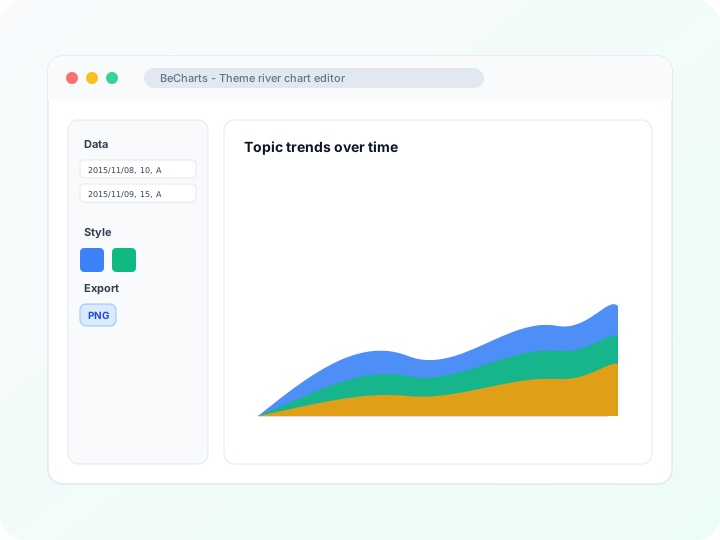
Styling
Ribbon colors, labels, and time axis
Adjust series colors, label visibility, emphasis highlights, and time-axis formatting in the editor sidebar. Keep many categories readable with tuned legend order.
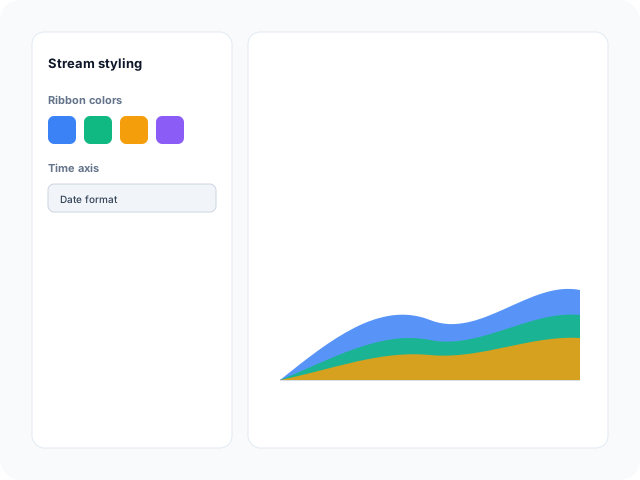
Data
Edit streams in the river data table
Update date, category, and value triples in the matrix-style data panel—or import CSV and Excel to replace sample ribbons from any template.
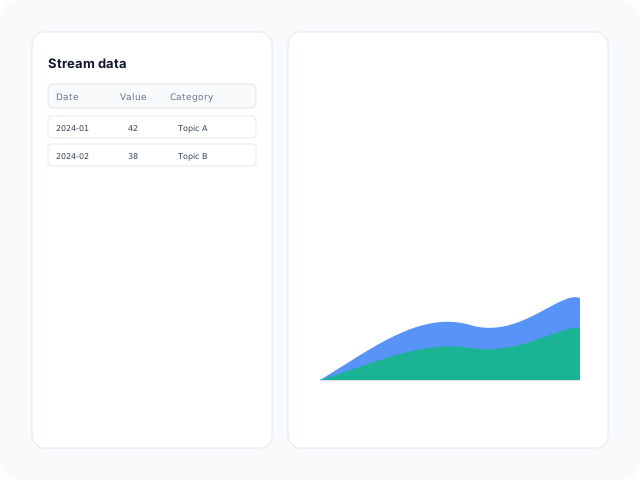
Output
Export for presentations and reports
Download high-resolution PNG for slides, vector SVG for design tools, or PDF for documents. Ribbon colors and axis labels carry through to every export format.
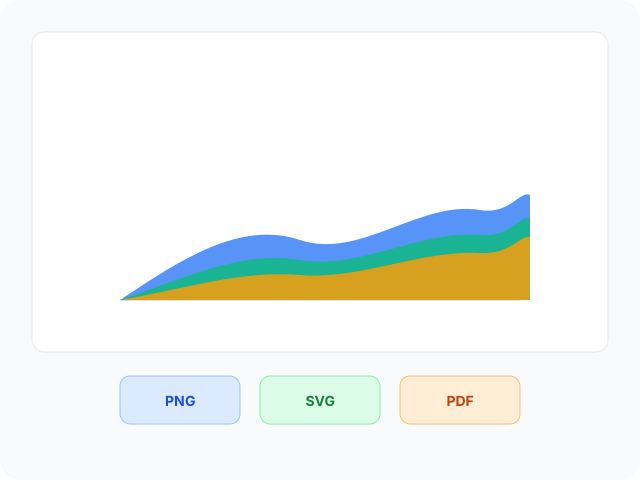
Theme river chart layouts
Start from a daily topic stream or a multi-category timeline sample—then open any example in the editor.
- Daily category streamTime-series ribbons where each band is a category contributing to the flow across dates—ideal for topic or product mix shifts.
- Multi-series timeline streamSeveral parallel categories over a longer timeline when you need to compare how multiple streams rise and fall together.
Where flowing streams help
Theme river charts show how category mix changes over time. These are common workflows teams build in the editor and export for decks.
- Topic and media trendsTrack how news themes, hashtags, or editorial categories gain and lose share across weeks or months on one flowing chart.
- Product mix over timeShow how SKU families or regions contribute to total volume as ribbons widen and narrow along a sales timeline.
- Seasonal demand patternsVisualize recurring peaks when categories swap dominance across quarters without redrawing stacked area layers.
- Cross-country indicatorsFetch World Bank metrics for multiple countries from the API panel, then refine category labels before export.
- Survey theme evolutionMap response themes across survey waves when you want composition change, not just single-category totals.
- Portfolio sector rotationDisplay how asset-class weights shift over years when investors care about relative mix, not absolute levels alone.
What you get in the editor
CSV import, river data editing, optional World Bank fetch, and export options to move from timeline rows to readable streams quickly.
- Theme river chart templatesJumpstart from daily category streams and multi-series timeline examples you can open in one click.
- CSV, Excel, and paste importUpload spreadsheets or paste tables with time, category, and value columns. The editor maps rows to stream ribbons automatically.
- River data table editorEdit date-category-value triples directly in the matrix-style panel when you need quick fixes without re-importing a file.
- World Bank sample dataFetch multi-country indicator timelines from the API panel, then rename categories or trim years in the data table.
- Time axis and legend controlsFormat date ticks, reorder legend entries, and tune label density so long timelines stay scannable.
- Export and shareSave PNG, SVG, or PDF files for presentations, documentation, and publication workflows.
Common theme river chart searches
How this theme river chart maker handles typical tasks—from building a streamgraph online to exporting presentation files.
- Theme river chart makerOpen a theme river template, import or paste time-category-value rows, tune ribbon colors and the time axis, then download PNG, SVG, or PDF from the toolbar.
- Theme river chart generatorGenerate flowing stream bands from dated category values in the editor. Replace sample triples; ribbon width updates as you edit magnitudes.
- Streamgraph makerTheme river layouts are a type of streamgraph—stacked ribbons centered on a time axis. Pick a template and map your category weights across dates.
- Create theme river chart onlineBuild the chart entirely in the browser—import CSV, edit cells in the data table, and preview stream shapes live without desktop charting software.
- Free theme river chart makerTemplates, CSV import, and PNG, SVG, and PDF export are free. No account or credit card is required to style streams and download files.
- Stacked stream over timeUse theme river charts when multiple categories evolve together and you want composition change visible as flowing bands, not rigid stacked areas.
How to make a theme river chart online in 4 steps
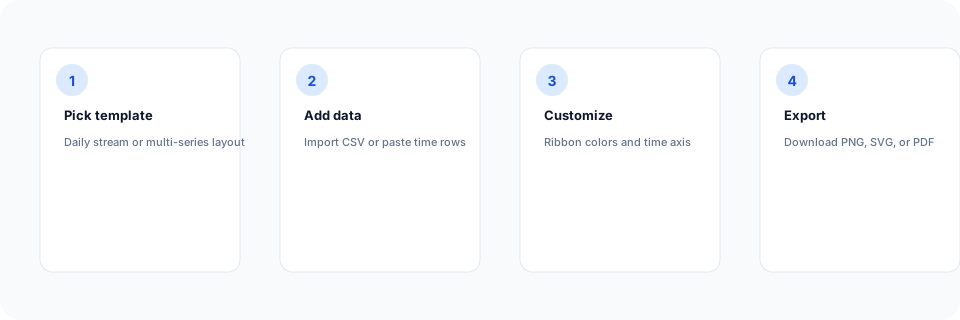
- Open the theme river chart maker or pick a daily stream or multi-series template below.
- Import CSV or paste time, category, and value rows—or fetch World Bank multi-country sample data.
- Customize ribbon colors, legend order, and time-axis labels until categories read clearly.
- Export as PNG, SVG, or PDF and add the stream chart to your slide deck, report, or article.
What is a theme river chart?
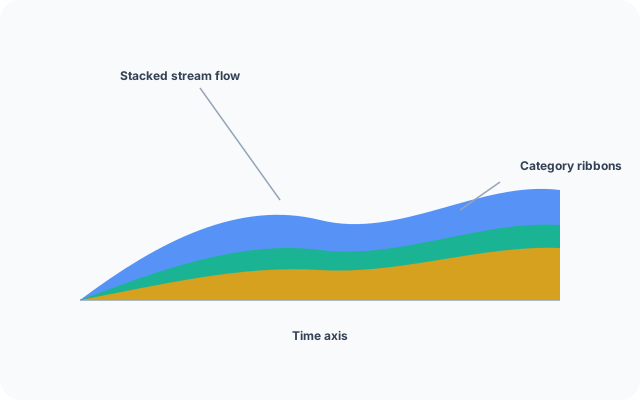
A theme river chart—closely related to a streamgraph—shows how multiple categories contribute to a total across a timeline as flowing, stacked ribbons. Band width reflects each category's share at a given date, which makes rising and falling themes easy to compare.
Online theme river chart makers let you import time-category-value rows instead of drawing streams by hand. Update data in the table or from CSV, tune colors and axes, and export when the composition story is clear.
Theme river charts work when categories stack into a meaningful total over time—not for unrelated metrics that should stay on separate line axes.
Theme river chart vs stacked area chart vs line chart
Use a theme river chart when several categories contribute to a total across time and you want flowing ribbons that emphasize mix shifts. Stacked area charts use fixed layers from a baseline. Line charts fit independent trends without stacked composition.
Keep category count manageable—too many thin ribbons are hard to read. Merge minor streams into an "Other" category when needed, then export PNG, SVG, or PDF.
Theme river chart templates
Browse theme river chart examples, then open any layout in the editor to replace sample stream data with your timeline rows.
Explore BeCharts
Jump to templates, the editor, documentation, and guides for theme river charts and related workflows.
Theme river chart templates
Browse stream layouts and open any example in the editor.
Open chart editor
Start with a theme river template or switch to another chart type anytime.
BeCharts usage guide
Data formats, import options, and styling controls.
How to choose a chart
Pick the right visualization when trends, composition, or grids matter.
Line chart maker
Plot independent time series when categories should not stack into one total.
Chart template gallery
Explore bar, heatmap, sankey, sunburst, and 15+ other chart types.
Frequently asked questions
- How do I make a theme river chart online?
- Click "Create your theme river chart" or open any template on this page. Import CSV or edit time-category-value rows in the data table, adjust ribbon colors and the time axis, then export PNG, SVG, or PDF from the toolbar.
- Is this a free theme river chart maker?
- Yes. Templates, CSV import, and export to PNG, SVG, and PDF are free. No account or credit card is required.
- What data format does a theme river chart need?
- Theme river charts use rows with a time field, category name, and numeric value—often written as [date, value, category]. Wide spreadsheets with a date column and one column per category also import when mapped correctly.
- Can I import CSV into a theme river chart?
- Yes. Upload CSV or Excel, paste from Google Sheets, or type rows in the data table. Replace sample triples from any template with your timeline data.
- What is the difference between a theme river and a stacked area chart?
- Both show composition over time. Theme river layouts use centered, flowing streams that emphasize category mix shifts. Stacked area charts anchor layers to a baseline—pick the layout that matches how your audience reads the timeline.
- Is a streamgraph the same as a theme river chart?
- They describe the same family of stacked stream charts over time. BeCharts uses the theme river chart type for these flowing ribbon layouts.
- Can I load sample country indicator data?
- Yes. Open a theme river template and use the World Bank panel to fetch multi-country indicator timelines. Refine category names and years afterward in the data table.
- How many categories can a theme river chart show?
- Templates support many ribbons, but readability drops as bands multiply. Merge minor categories into "Other" or filter low-volume streams before export.
- Can I insert a theme river chart in PowerPoint or Excel?
- BeCharts does not embed live charts inside PowerPoint or Excel. Export PNG or SVG from the editor, then insert the image into a slide or worksheet.
- What file formats can I export?
- PNG and SVG are supported for digital use, and PDF for documents. Exports reflect ribbon colors and axis labels from the editor.