Charts & graphs
Free funnel chart maker
Create funnel charts online with this free funnel chart maker—import CSV or paste stage and value rows, open a vertical or horizontal template, style labels and colors, and export PNG, SVG, or PDF. Funnel chart generator and creator, no account required.
- Free funnel chart maker—no credit card or signup
- Create funnel charts online with CSV, Excel, and paste import
- Funnel chart creator with vertical and horizontal pipeline templates
- Export PNG, SVG, or PDF funnel graphics for reports and slides
Styling
Orientation, alignment, and stage labels
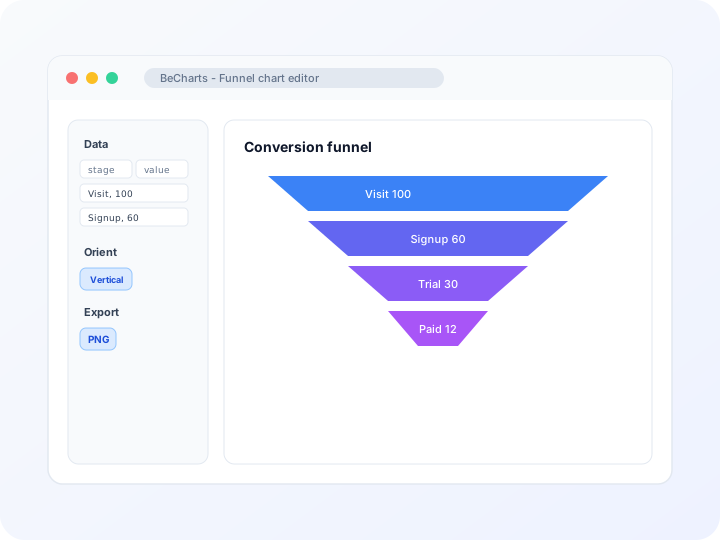
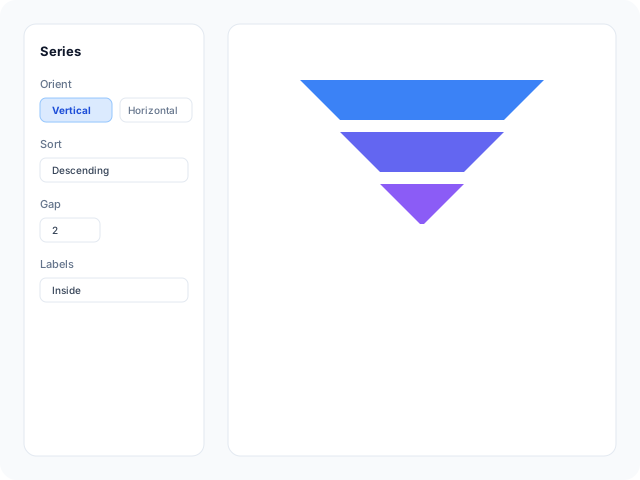
Switch vertical or horizontal layout, tune gap spacing, sort order, and funnel alignment in the editor sidebar. Control inside labels, borders, and fill colors for each stage block.
Data
Import stage and value columns
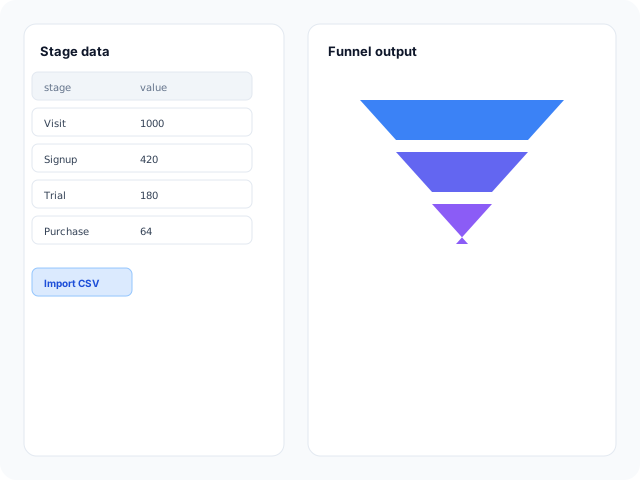
Paste name-and-value rows from a spreadsheet, upload CSV or Excel, or edit sample pipeline stages in the data table. Each row maps to one funnel block.
Output
Export for decks and reviews
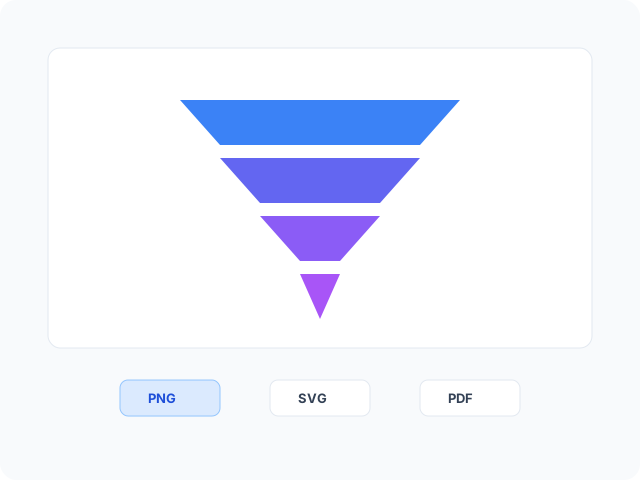
Download high-resolution PNG for slides, vector SVG for design tools, or PDF for documents. Stage colors and labels carry through to every export format.
Funnel chart layouts
Start from a vertical conversion funnel or a horizontal layout for long stage names, then open any example in the editor.
- Vertical conversion funnelClassic top-to-bottom pipeline with descending sort and inside labels. Replace sample visit, inquiry, and order stages with your acquisition or sales metrics.
- Horizontal funnel layoutSideways funnel when stage names are long or you need a left-to-right process read. Edit stage rows and values after opening the template.
Popular use cases for funnel charts
Funnel charts show how counts drop across sequential stages. These are common workflows teams build in the editor and export for review decks.
- Sales funnel chartsShow prospect, qualified, proposal, and closed-won counts on one sales funnel chart when each stage should narrow visually.
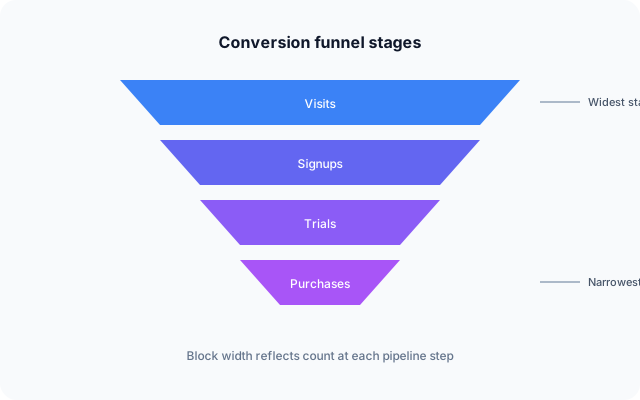
- Marketing funnel graphicsBuild a marketing funnel graphic for visits, signups, trials, and purchases—export PNG or SVG for campaign decks and quarterly reviews.
- Product onboarding funnelsShow how users move through install, account creation, and first key action when drop-off between steps matters.
- Recruiting and applicant flowSummarize applicants by screening, interview, and offer stages when HR needs a simple stage-count story.
- Support ticket resolutionIllustrate how tickets move from open to in progress, resolved, and closed when volume shrinks at each step.
- Quarterly business reviewsReuse the same funnel layout each quarter—update stage values and export PNG or PDF for executive slides.
Editor features for funnel charts
Pipeline templates, import tools, and export options to move from spreadsheet rows to a readable conversion graphic quickly.
- Funnel chart templatesJumpstart from vertical and horizontal pipeline layouts with sample stage rows you can open in one click.
- CSV and spreadsheet importUpload CSV or Excel, paste from Google Sheets, and bind stage name and value columns in the data panel.
- Orientation and sort controlsSwitch vertical or horizontal layout, ascending or descending sort, and gap spacing between trapezoid blocks.
- Stage labels and colorsShow counts inside blocks, adjust borders and fills, and align the funnel left, center, or right on vertical layouts.
- AI-assisted sample dataGenerate demo stage rows when you need a layout reference, then replace values with your pipeline metrics.
- Export and shareSave PNG, SVG, or PDF files for quarterly reviews, client reports, and presentation decks.
Common funnel chart searches
How this funnel chart maker handles typical tasks—from creating a funnel chart online to generating pipeline graphics and exporting for slides.
- Funnel chart makerReplace sample pipeline stages with your counts, paste from a spreadsheet, or upload CSV. The chart updates as you edit rows in the data table.
- Funnel chart generatorGenerate trapezoid stage blocks from name-and-value rows. Block width scales from your numbers without drawing shapes manually.
- Funnel chart creatorBrowser-based funnel chart creator for conversion and sales pipelines—templates, import tools, label controls, and export in one editor.
- Create funnel chart onlineOpen a template, add stage and value columns, and download PNG, SVG, or PDF when labels read clearly. No desktop install or account required.
- Funnel graphic creatorTurn spreadsheet stage counts into a presentation-ready funnel graphic. Tune colors, orientation, and gap spacing before exporting.
- Funnel chart templateStart from vertical or horizontal gallery layouts with gap and label presets, then paste quarterly pipeline numbers and export.
How to create a funnel chart online in 4 steps
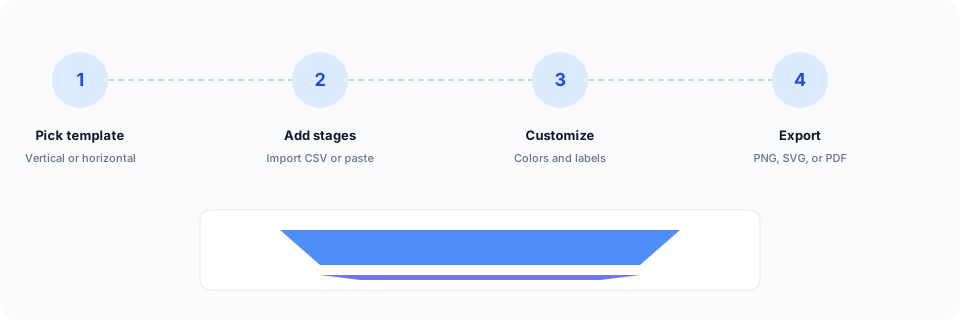
- Open the funnel chart maker or pick a vertical or horizontal funnel chart template below.
- Import CSV, paste spreadsheet rows, or edit stage names and values in the data table.
- Customize colors, labels, orientation, and sort order until each stage reads clearly.
- Export as PNG, SVG, or PDF and add the funnel graphic to your slide deck, report, or handout.
What is a funnel chart?
A funnel chart—also called a conversion funnel, sales funnel chart, or pipeline graphic—shows sequential stages as progressively narrower blocks. Each trapezoid represents a step; block width reflects the count or value at that stage.
Funnel chart makers and creators let you enter stage rows instead of drawing trapezoids by hand. Import CSV with name and value columns, or paste from a spreadsheet, and the generator scales block widths automatically.
Funnel charts fit sales pipelines, marketing conversion paths, and onboarding flows when stages follow a logical order and counts usually decrease. Use a bar chart instead when categories are not sequential.
Funnel chart vs bar chart vs sankey diagram
Use a funnel chart when stages are sequential and the story is how volume shrinks step by step. Bar charts compare categories at one snapshot without implying order. Sankey diagrams fit multi-path flows between nodes rather than a single narrowing pipeline.
Funnels read best when values generally decrease down the process. In BeCharts you can import CSV, flip orientation, tune sort order, and export PNG, SVG, or PDF when the conversion graphic is ready.
Funnel chart templates
Browse pipeline funnel examples, then open any layout in the editor to replace sample stages with your own conversion data.
Explore BeCharts
Jump to templates, the editor, documentation, and guides for funnel charts and related workflows.
Funnel chart templates
Browse vertical and horizontal pipeline layouts and open any example in the editor.
Open chart editor
Start with a funnel template or switch to another chart type anytime.
BeCharts usage guide
Data formats, CSV import, and styling options for funnel series and labels.
Sankey diagram maker
Map multi-path flows between stages when a single funnel column is not enough.
Pie chart maker
Use part-to-whole slices when sequential drop-off is not the story.
Chart template gallery
Explore bar, line, scatter, combo, and 15+ other chart types.
Frequently asked questions
- How do I create a funnel chart online?
- Click "Create your funnel chart" or open any template on this page. Add stage names and values in the data table, or import CSV, then adjust colors and labels before exporting PNG, SVG, or PDF from the toolbar.
- Is this a free funnel chart maker?
- Yes. You can open funnel templates and the data editor without a credit card or account. Export options are available from the toolbar at no cost.
- Is a funnel chart creator the same as a funnel chart generator?
- Yes. "Funnel chart creator," "funnel chart generator," and "funnel graphic creator" describe the same workflow in BeCharts—edit stage rows, style blocks, and export the finished graphic.
- Can I create a funnel chart from CSV?
- Yes. Import CSV or Excel from the dataset panel with stage name and value columns. You can edit cells after import and tune labels before exporting.
- Must funnel stage values decrease?
- Funnels read best when each stage is smaller than the previous one. If your data breaks that pattern, consider a bar chart template instead.
- Can I show conversion percentages on a funnel chart?
- Yes. Enable labels in the Series panel and format them to show raw counts, shares of the first stage, or step-to-step rates when your data supports it.
- What is the difference between a funnel chart and a sankey diagram?
- Funnel charts show one ordered pipeline narrowing stage by stage. Sankey diagrams route flows between multiple nodes and paths. Pick a funnel when you need a simple sequential drop-off story.
- Can I use a horizontal funnel layout?
- Yes. Switch orientation in the Series panel or start from the horizontal funnel template when long stage names need room beside each block.
- How many stages can a funnel chart display?
- Templates ship with about five sample stages. Add or remove rows in the data table after opening a layout; keep stage count modest so labels stay legible.
- Is this the same as marketing automation funnel software?
- No. BeCharts is a chart editor for building funnel graphics from your stage data—it does not track live campaigns, email sequences, or CRM pipelines automatically.
- Is this an AI funnel builder?
- No. BeCharts is a funnel chart maker for turning your stage and value data into an exportable graphic. It is not a standalone AI marketing-funnel or journey-mapping product.
- What file formats can I export?
- PNG and SVG are supported for digital use, and PDF for documents. Exports reflect stage colors and labels from the editor.