Charts & graphs
Free online radar chart maker
Make radar charts, spider graphs, and radar diagrams online—name each spoke axis, enter scores per series in the multi-variable editor, style filled polygons, and export PNG, SVG, or PDF. Free radar chart generator, no account required.
- Online radar chart maker—no credit card or signup
- Radar chart generator with editable dimension rows and series columns
- Spider chart and radar graph layouts for multi-metric profiles
- Export PNG, SVG, or PDF for decks and reports
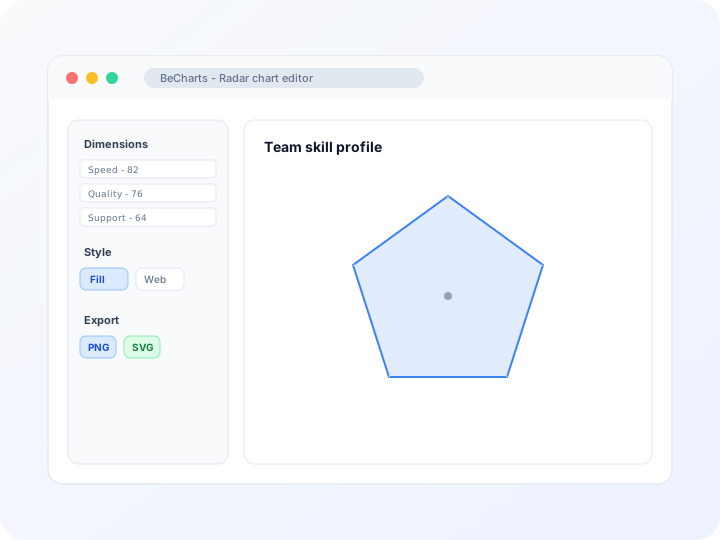
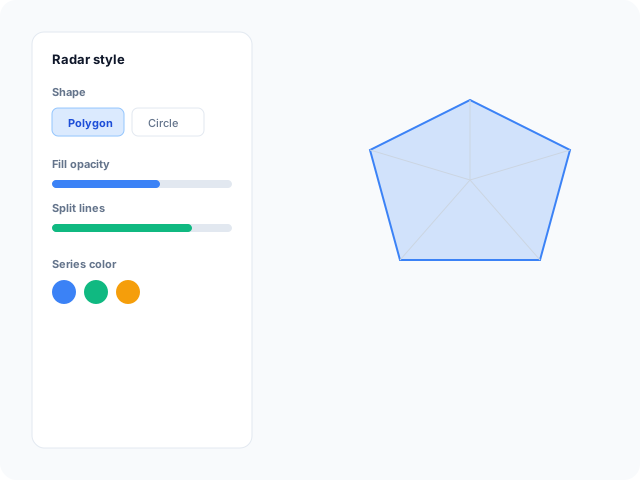
Styling
Customizable radar polygons and axes
Switch between polygon and circle web shapes, tune fill opacity, split lines, axis name formatting, and legend placement in the editor sidebar.
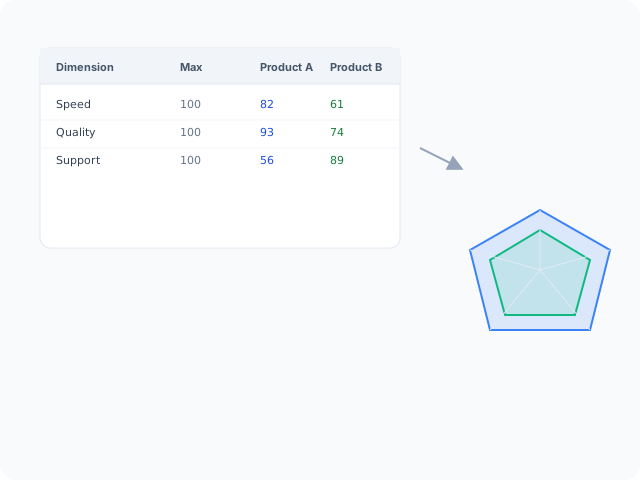
Data
Edit dimensions and series in one table
Each row is a spoke axis with a name and max value; columns hold scores for one or more series. Add indicators or series without redrawing the web manually.
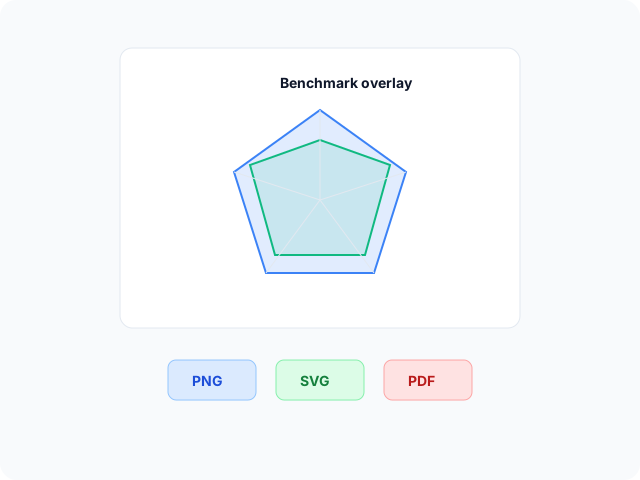
Output
Export for presentations and reports
Download high-resolution PNG for slides, vector SVG for design tools, or PDF for documents. Polygon colors and axis labels carry through to every export format.
Radar chart layouts
Start from a basic polygon profile, a multi-series overlay, or a circular web layout, then open any example in the editor.
- Basic radar profilePlot one polygon across named spokes on a shared scale. Ideal for skill profiles, product scorecards, or any multi-metric snapshot.
- Multi-series radar overlayCompare two or more entities on the same axes—each series keeps its own color and fill so benchmark gaps read at a glance.
- Circular web radar layoutUse a round web with split-area bands when you want a softer grid behind dense multi-series polygons.
Popular use cases for radar charts
Radar and spider charts compare several metrics at once. These are common workflows teams build in the editor and export for reviews.
- Skill and competency profilesMap strengths across categories such as design, speed, support, or leadership on five to eight spokes for hiring or team reviews.
- Product benchmark comparisonsOverlay your product against a competitor average on the same axes to show where you lead or lag on feature scores.
- Quarterly scorecardsTrack KPI clusters—quality, cost, delivery, satisfaction—in one graphic instead of four separate bar charts.
- Survey dimension summariesAverage Likert scores per theme on a radar web when you need a holistic read rather than one standout metric.
- Athlete or player ratingsCompare speed, accuracy, stamina, and technique on a spider chart for scouting decks or season wrap-ups.
- Portfolio health checksPlot risk, return, liquidity, and growth scores per asset class to see balance across dimensions in one view.
Editor features for radar charts
Multi-variable editing, polygon styling, and export options to move from spoke labels and scores to a readable spider chart quickly.
- Radar and spider templatesJumpstart from polygon profiles, multi-series overlays, and circular web layouts you can open in one click.
- Multi-variable data tableEdit spoke names, max values, and per-series scores in one grid. Add or remove dimensions and series as your comparison grows.
- Polygon and web stylingControl shape (polygon or circle), area fill opacity, split lines, symbols, and line styles so overlays stay distinct.
- Axis and scale controlsSet min and max per spoke, split count, and axis name formatting so labels stay readable on slides.
- AI-assisted sample dataGenerate demo dimension scores when you need a starting layout, then replace values with your own metrics.
- Export and shareSave PNG, SVG, or PDF files for presentations, documentation, and stakeholder reports.
Common radar chart searches
How this radar chart maker handles typical tasks—from spider graphs and web charts to multi-series overlays you can export.
- Radar chart makerOpen a radar template, name each spoke axis and enter scores per series in the multi-variable table, style fills and lines, then download PNG, SVG, or PDF—no desktop software required.
- Radar chart generatorGenerate a spider web from dimension scores in the browser. Replace demo indicator names and values row by row; the polygon updates as you edit the table.
- Spider chart makerSpider charts and radar charts use the same editor workflow. Pick a polygon or circle web, map metrics to spokes, and export when the profile is ready for your deck.
- Radar graph makerPlot numeric scores on shared spoke axes to compare one or more entities. Multi-series templates load translucent overlays so benchmark gaps read at a glance.
- Free spider chart creatorUse radar templates and the dimension editor at no cost. No account or credit card is needed to tune colors, fill opacity, and axis ranges before export.
- Make a radar chartStart from a template with spokes and scales already configured. Type dimension names, max values, and series scores in the editor table instead of drawing the web manually.
How to make a radar chart online in 4 steps
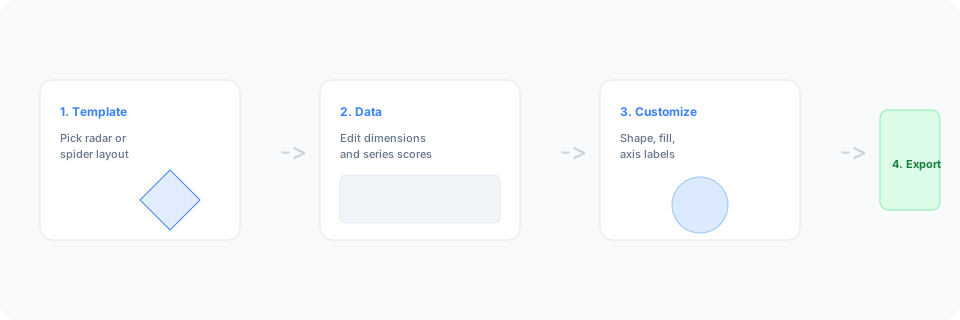
- Open the radar chart maker or pick a spider chart template below.
- Replace sample dimension names and scores in the multi-variable table, or add spokes and series columns.
- Customize polygon fill, web shape, axis labels, and legend until the radar graph reads clearly.
- Export as PNG, SVG, or PDF and add the chart to your slide deck, report, or dashboard.
What is a radar chart?
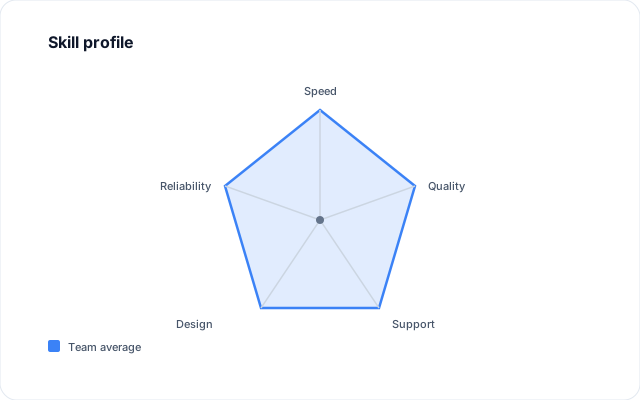
A radar chart—also called a spider chart, radar graph, radar diagram, or web chart—plots several metrics on spokes radiating from a center point. Each vertex shows how far a series scores on that dimension, and connecting the points forms a polygon you can compare across entities.
Online radar chart makers and spider chart generators let you name axes and enter scores instead of drawing each spoke by hand. Edit the dimension table, adjust shared scales, and export when the multi-metric story is clear.
Radar charts work when metrics are related and you compare a small number of profiles—not when you need exact rank order across dozens of categories. Normalize or align scales when dimensions use very different units.
Radar chart vs bar chart vs parallel coordinates
Use a radar chart when you want one shape that summarizes several related metrics for one or a few entities. Bar charts read faster for ranking many categories at one value each. Parallel coordinates help when you have many rows and need to trace paths across dimensions.
Keep spoke counts modest—roughly five to eight—for label clarity. In BeCharts you can switch polygon versus circle shape, add series overlays, and export PNG, SVG, or PDF when the spider chart is ready.
Radar chart templates
Browse spider chart examples, then open any layout in the editor to replace sample dimensions with your own metrics.
Explore BeCharts
Jump to templates, the editor, documentation, and guides for radar charts and related workflows.
Radar chart templates
Browse spider chart layouts and open any example in the editor.
Open chart editor
Start with a radar template or switch to another chart type anytime.
BeCharts usage guide
Data formats, radar editor controls, and styling options.
How to choose a chart
Pick the right visualization when profiles, trends, or categories matter.
Bar chart maker
Compare category values at one snapshot when a spider web is not the right fit.
Chart template gallery
Explore bar, line, pie, scatter, combo, and 15+ other chart types.
Frequently asked questions
- How do I make a radar chart online?
- Click "Make your radar chart" or open any template on this page. Name each spoke, enter scores per series in the multi-variable table, adjust styling, then export PNG, SVG, or PDF from the toolbar.
- Is this a free radar chart maker?
- Yes. You can open radar templates and the spider chart editor without a credit card or account. Export options are available from the toolbar at no cost.
- What is the difference between a radar chart and a spider chart?
- They refer to the same chart type. "Radar graph," "radar diagram," "spider graph," and "web chart" are common synonyms; BeCharts uses one radar editor for all of them.
- Is a radar diagram the same as a radar chart?
- Yes. Radar diagram maker and radar diagram creator searches describe the same multi-spoke polygon layout. Use the dimension table to name axes and enter scores per series.
- Can I import CSV into a radar chart?
- Radar charts use the dedicated multi-variable editor rather than CSV upload. Type dimension names, max values, and series scores in the table, or start from a template and replace the sample data.
- How many axes should a radar chart have?
- Most readable layouts use five to eight spokes. Very large axis counts can crowd labels—shorten metric names or pick a simpler template when needed.
- Can I compare two products on one radar chart?
- Yes. Open a multi-series radar template or add another series column in the editor. Each series can use its own color and fill on the same spokes.
- Is this a Python or code-based radar chart tool?
- No. BeCharts is a browser chart maker for styling and exporting graphics—not a Python, R, or API plotting library. Build the chart in the editor, then download PNG, SVG, or PDF.
- Polygon or circle—which radar shape should I use?
- Polygon webs emphasize corner vertices; circle webs soften the grid with radial bands. Switch shape in the Radar panel after opening a template.
- When should I use a bar chart instead?
- Use bars when you compare many categories at one value or need precise length comparisons. Radar charts fit a handful of related metrics summarized in one profile shape.
- What file formats can I export?
- PNG and SVG are supported for digital use, and PDF for documents. Exports reflect polygon colors and axis labels from the editor.