Charts & graphs
Free online heat map maker
Use this heat map creator to build intensity grids in your browser—enter row, column, and value triples, tune the color scale, and export PNG, SVG, or PDF. A free heatmap generator with no account required.
- Free heat map maker—no credit card or signup
- Online heat map generator with editable matrix cells
- Make heatmaps from category grids or calendar layouts
- Export PNG, SVG, or PDF for reports and slides
Styling
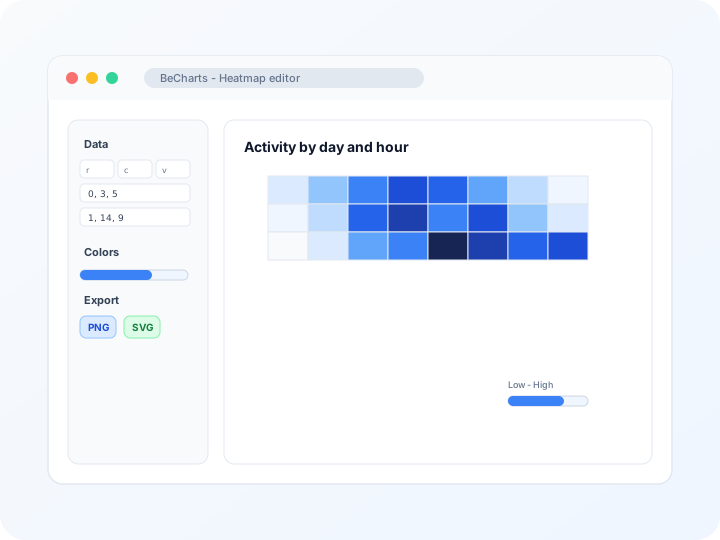
Customizable color scales and cell labels
Adjust visual map min and max, sequential or diverging ramps, cell borders, and label density in the editor sidebar. Keep large grids readable with tuned axis spacing.
Data
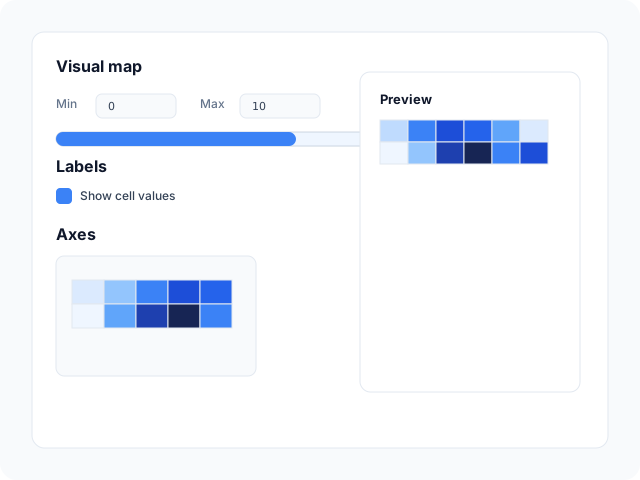
Edit matrix values in a cell table
Update row index, column index, and magnitude per cell in the heatmap data panel. Replace demo triples from any template without rebuilding the grid manually.
Output
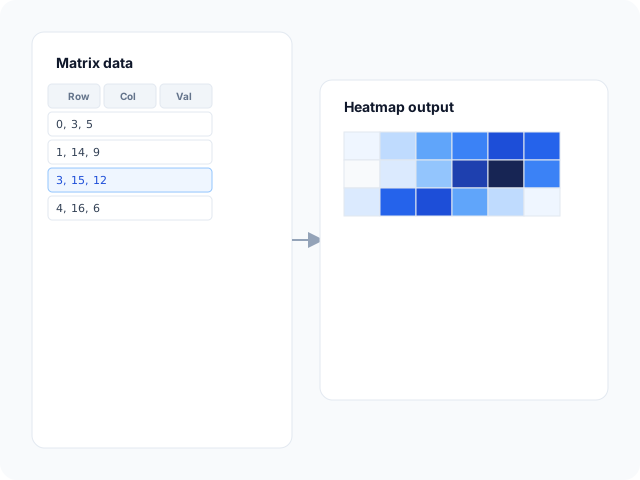
Export for presentations and reports
Download high-resolution PNG for slides, vector SVG for design tools, or PDF for documents. Color ramps and axis labels carry through to every export format.
Heatmap layouts
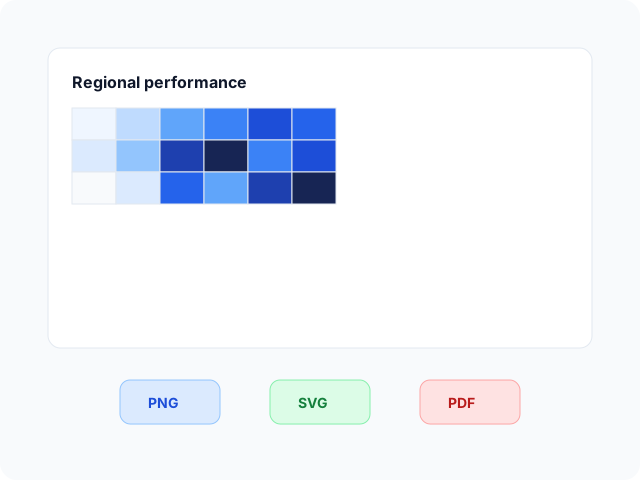
Start from a category grid heatmap or a calendar-style density view, then open any example in the editor.
- Cartesian category heatmapMap values to color across two labeled axes—days versus hours, SKUs versus regions, or any row-column matrix.
- Calendar heatmapPlot daily values on a date grid when the story is intensity over time rather than arbitrary categories.
Where intensity grids help
Color matrices reveal patterns across two dimensions at once. These are common workflows teams build in the editor and export for analysis decks.
- Usage and activity gridsSee when traffic, logins, or support tickets cluster by day and hour—hot cells stand out without scanning raw tables.
- Correlation matricesColor-code coefficients between variables so strong positive or negative pairs pop on a symmetric grid.
- Product and region performanceCompare SKUs, stores, or campaigns across weeks with one matrix instead of dozens of mini bar charts.
- Survey response intensityShow answer counts or average scores across question rows and respondent cohort columns.
- Operations monitoringTrack error rates, latency bands, or queue depth across service pairs to spot recurring hotspots.
- Calendar-style daily metricsUse the calendar template for commits, sales, or health data when each day is one cell in a month grid.
What you get in the editor
Matrix editing, visual map controls, and export options to move from raw triples to a readable intensity grid quickly.
- Heatmap templatesJumpstart from Cartesian category grids and calendar density examples you can open in one click.
- Matrix value tableEdit row index, column index, and value per cell in the heatmap data editor. Changes update colors immediately.
- Visual map controlsSet min and max bounds, continuous or piecewise ramps, and legend placement so readers decode color accurately.
- Axis and label optionsConfigure category labels, split areas, and cell label visibility for dense or sparse grids.
- Spreadsheet importPaste or import CSV and Excel data when the heatmap chart type supports table import, then refine cells in the editor.
- Export and shareSave PNG, SVG, or PDF files for presentations, documentation, and publication workflows.
Common heat map creator searches
How this tool handles typical requests—from generating a color grid online to building a free heat map for slides or reports.
- Heat map generatorGenerate a color-coded grid from row-column-value triples in the editor. Import CSV or Excel when supported, adjust the visual map, then download PNG, SVG, or PDF from the toolbar.
- Heat map creatorCreate a heat map from category axes and numeric cell values. Pick a Cartesian or calendar template, replace sample data in the matrix table, and style labels before export.
- Heatmap creatorThe same editor supports both "heat map" and "heatmap" workflows. Open a template, edit matrix cells, tune sequential or diverging color ramps, and export when the grid reads clearly.
- Create heatmap onlineBuild the chart entirely in the browser—no install. Paste spreadsheet rows, refine individual cells, and preview color changes live as you edit the matrix table.
- Free heat map generatorTemplates, the matrix editor, and PNG, SVG, and PDF export cost nothing. No account or credit card is required to generate a color grid and download files.
- Heatmap generatorOne-word and two-word searches reach the same editor. Open a template, edit matrix cells, tune sequential or diverging ramps, and export when the grid reads clearly.
How to make a heat map online in 4 steps
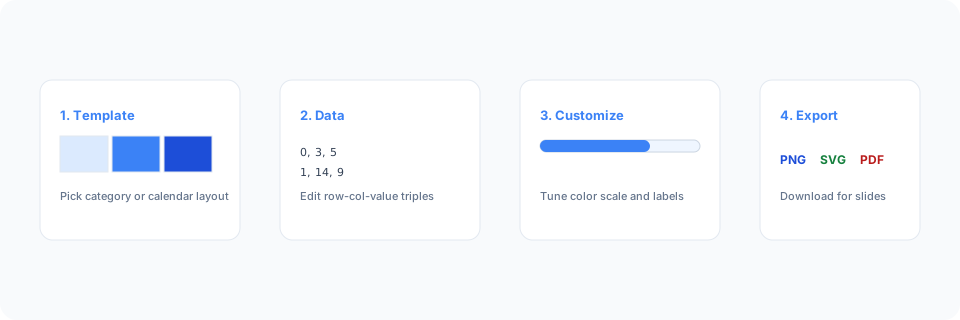
- Open the heat map maker or pick a category or calendar template below.
- Replace sample row-column-value triples in the matrix table or import spreadsheet data.
- Customize the color scale, cell labels, axis titles, and legend until the grid reads clearly.
- Export as PNG, SVG, or PDF and add the chart to your slide deck, report, or dashboard mockup.
What is a heat map chart?
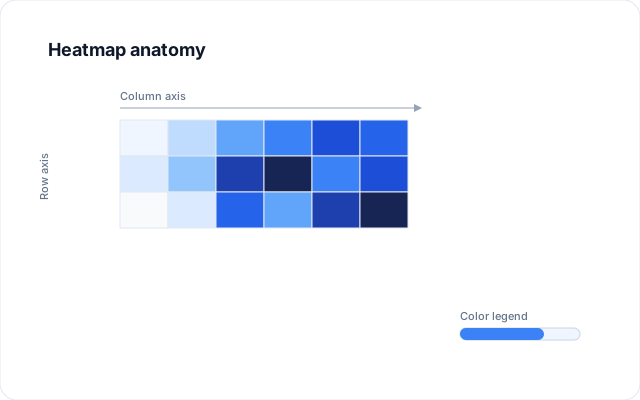
A heat map chart maps numeric magnitude to color across a two-dimensional grid—also called an intensity matrix or heatmap. Darker or warmer cells usually mean higher values, which makes clusters, gaps, and diagonal patterns easy to spot in dense tables.
Online heat map creators and generators let you enter row-column-value triples instead of coloring cells by hand. Edit the matrix table, tune the visual map, and export when the intensity story is clear.
These charts work when both dimensions are categories or ordered buckets and the question is where values concentrate—not how one metric changes over continuous time alone. Pair the grid with a labeled color legend so viewers interpret hues correctly.
Heatmap vs scatter plot vs matrix chart
Use a heatmap when both axes are categorical or ordered buckets and color should show magnitude across the full grid. Scatter plots fit numeric x-y pairs where each observation is a dot, not a filled cell. Matrix templates on BeCharts can overlap with heatmap styling but may emphasize bubble or label variants.
Calendar heatmaps specialize in date grids; category heatmaps fit arbitrary row and column labels. Export PNG, SVG, or PDF when the intensity story is clear.
Heatmap templates
Browse heatmap chart examples, then open any layout in the editor to replace sample matrix values with your own.
Explore BeCharts
Jump to templates, the editor, documentation, and guides for heatmaps and related workflows.
Heatmap templates
Browse heatmap layouts and open any example in the editor.
Open chart editor
Start with a heatmap template or switch to another chart type anytime.
BeCharts usage guide
Data formats, visual map controls, and styling options.
How to choose a chart
Pick the right visualization when grids, trends, or categories matter.
Scatter plot maker
Plot numeric x-y pairs when a cell grid is not the right fit.
Chart template gallery
Explore bar, line, pie, combo, and 15+ other chart types.
More chart makers
- Scatter plot maker
- Bar chart maker
- Line chart maker
- Radar chart maker
- Box and whisker plot maker
- Candlestick chart maker
- Chord diagram maker
- Funnel chart maker
- Sankey diagram maker
- Theme river chart maker
- Gauge chart maker
- Pie chart maker
- Sunburst chart maker
- Treemap maker
- Matrix chart templates
- All chart templates
Frequently asked questions
- How do I create a heat map?
- Click "Create your heat map" or open any template on this page. Enter row, column, and value cells in the matrix table, adjust the color scale and axes, then export PNG, SVG, or PDF from the toolbar.
- How do I make a heat map online?
- Pick a Cartesian or calendar template, replace the sample triples with your data, tune the visual map legend, and download the finished graphic—everything runs in the browser with no install.
- How do I make a heat map?
- Follow the four-step guide on this page: open a template, enter row-column-value triples, tune the color scale, then export PNG, SVG, or PDF from the toolbar.
- Is this a free heat map generator?
- Yes. Templates, the matrix editor, and export to PNG, SVG, and PDF are free. No account or credit card is required.
- What is the difference between a heat map generator and a heat map creator?
- Search engines treat both phrases similarly—they describe the same chart-building task. BeCharts uses one editor for generating and customizing intensity grids from matrix data.
- Can I create a heatmap online from a spreadsheet?
- Yes. Heatmap charts support CSV, Excel, paste, and Google Sheets import when enabled. After import, refine individual cells in the matrix editor.
- What data format does a heat map need?
- Most templates use triples: row index, column index, and value. Category labels come from the x and y axis configuration—you replace numeric values in the data table.
- Is this a Google Maps heat map tool?
- No. BeCharts builds data visualization heat maps from your matrix values—not geographic map overlays. For map-based density layers, use a mapping platform; for table-driven color grids, use this editor.
- Is this a website click heatmap tool?
- No. BeCharts builds data visualization heat maps for reports and slides—not session replay or click-tracking overlays on live web pages. For analytics-style website heatmaps, use a dedicated UX analytics product.
- What is the difference between a heat map and a calendar chart?
- Calendar layouts place one value per date cell on a month grid. Category grids use arbitrary row and column labels. BeCharts includes both—pick the template that matches your structure.
- How do I choose colors for a heat map?
- Use the visual map panel to set min and max, pick a sequential or diverging ramp, and show a legend. Keep enough contrast between low and high values for accessibility.
- Is a heat map the same as a scatter plot?
- No. Scatter plots place dots at numeric x-y coordinates. Heat maps fill category cells with color by magnitude. Use scatter when both axes are continuous measurements; use intensity grids for categorical matrices.
- What file formats can I export?
- PNG and SVG are supported for digital use, and PDF for documents. Exports reflect color scales and axis styles from the editor.