

Chartle Review 2026: Free Line Graph Maker
Review Chartle in 2026 as a line graph maker with PNG export, and compare it with other browser chart tools.
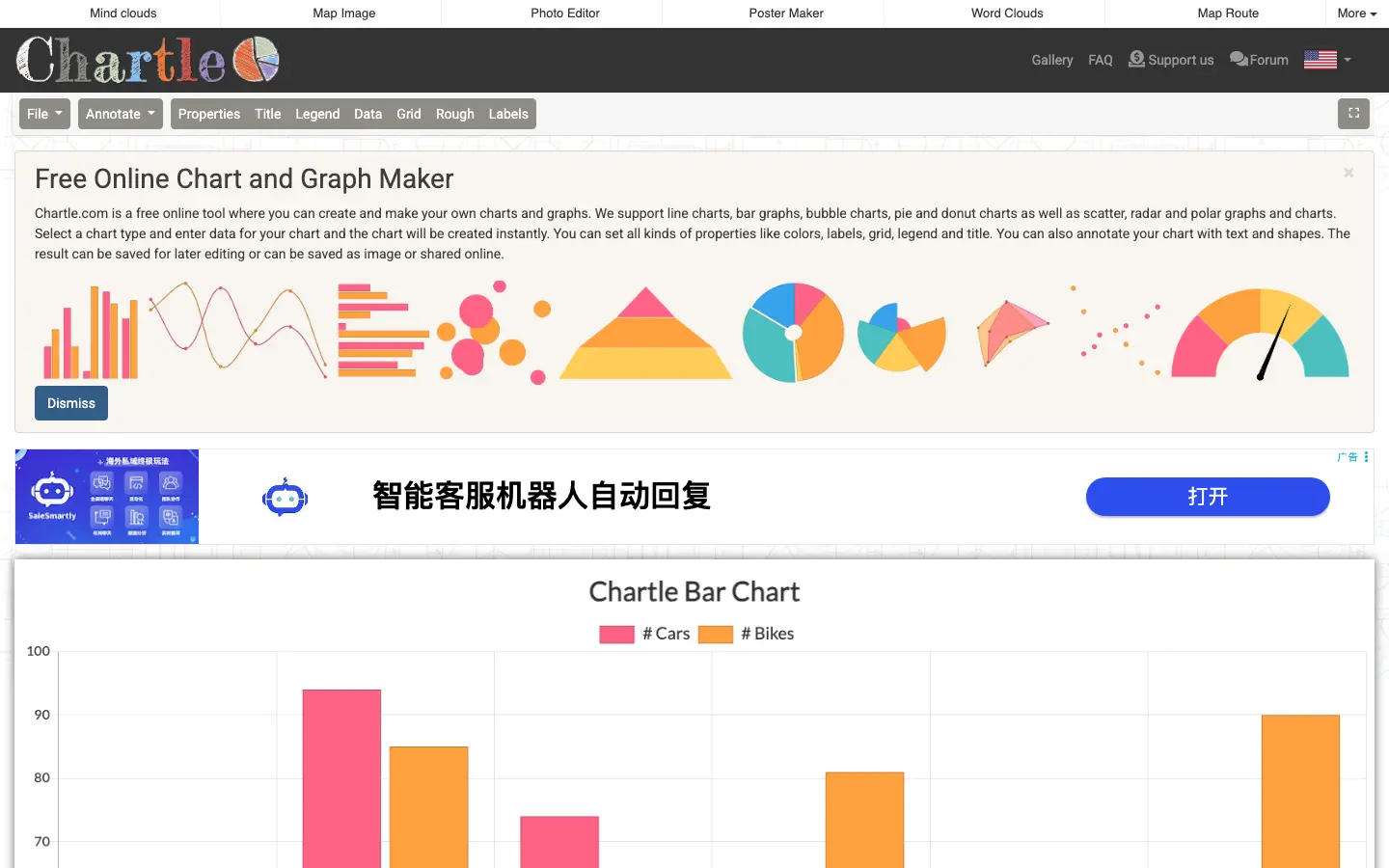
Chartle is a free online chart maker and graph tool that runs entirely in your browser — no sign-up, no upload, no paid tier. Data stays on your device while you build bar, line, pie, scatter, radar, funnel, and gauge charts. It fits anyone searching for a free line graph maker, an x and y graph maker, or a private tool chart alternative to server-based chartonline / graphonline workflows.
Bottom Line
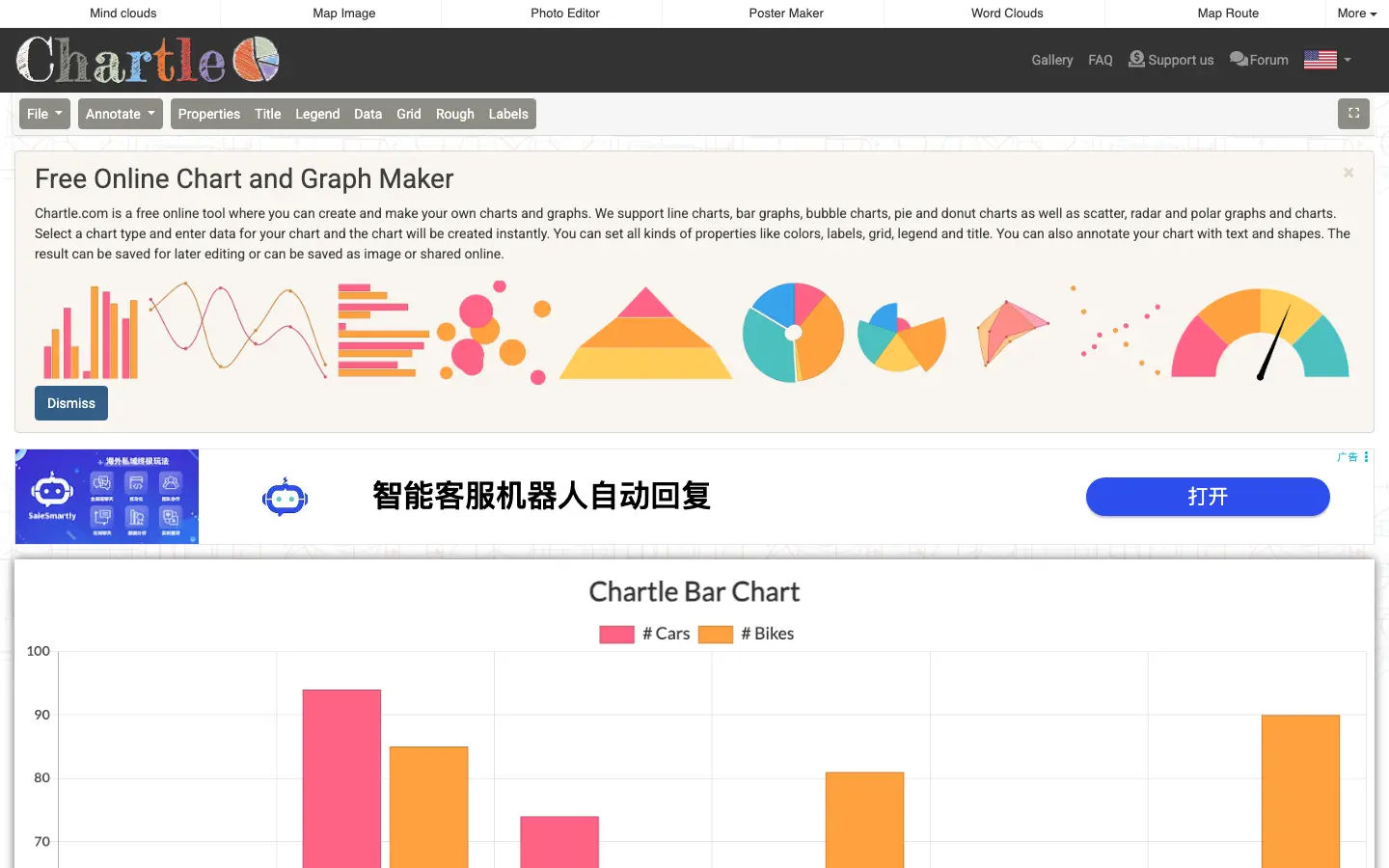
Chartle sits beside ChartGo as a fast, no-account free chart maker, but adds more chart types (10 vs 7), on-canvas annotations, and local-only processing. It is not polished like Visme and does not offer share links like ChartGo.
Choose Chartle when you want a free line graph maker or multiple line graph generator setup with privacy, annotations, and funnel/gauge types — and you are fine exporting a PNG graph manually. Choose ChartGo when embed links matter; choose Visme when brand design matters.
Overall Scores
| Category | Score |
|---|---|
| Ease of use | 8.0 |
| Chart type variety | 8.0 |
| Visual customization | 7.5 |
| Export and sharing | 6.5 |
| Design and aesthetics | 5.0 |
| Value for money (free) | 9.5 |
| Privacy and security | 9.5 |
What Chartle Does
Chartle processes charts locally in the browser:
- Pick a type from the File menu — bar, line, pie, donut, scatter, radar, polar, bubble, funnel, or gauge.
- Enter data in a grid (multiple datasets supported).
- Customize titles, axes, colors, fonts, legend, and grid.
- Annotate with text, arrows, shapes, or freehand drawing.
- Save a Chartle file locally or export a standard or HD image.
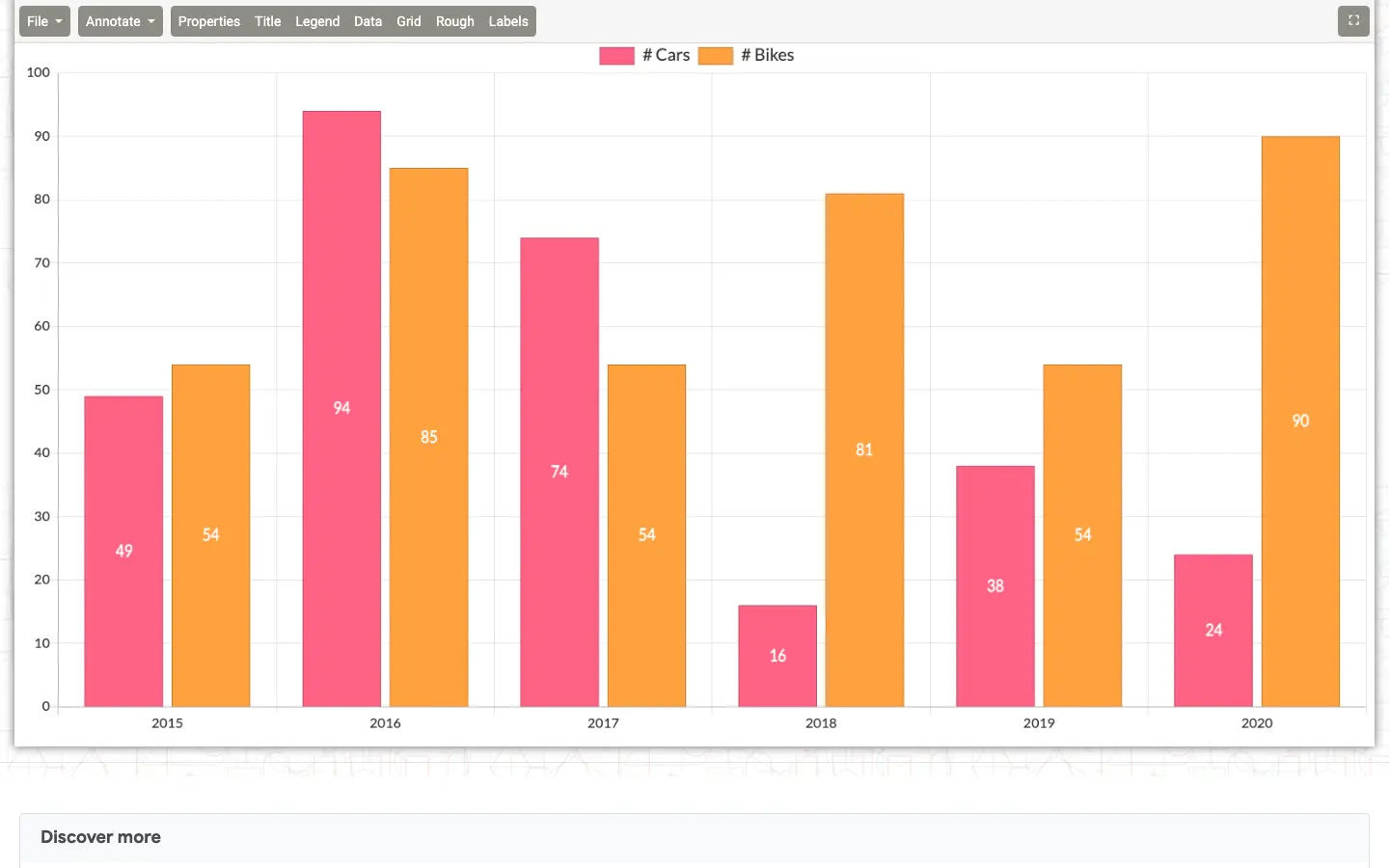
Differentiators: local-only data (nothing sent to servers), annotation layer, ten chart types including funnel and gauge, and resume-from-file without an account.
Key Features
Line, XY, and column workflows
| Search intent | How Chartle handles it |
|---|---|
| Free line graph maker / online line graph maker | Line charts with multiple series — a practical multiple line graph generator for trends |
| X and y graph maker | Scatter and line charts plot X/Y pairs; bubble adds a third dimension via dot size |
| Column chart online | Vertical bar charts for category comparisons |
| Radial graph maker | Radar and polar charts for multi-axis or circular layouts |
| Change chart | Switch chart type in the editor without leaving the tool |
| From to chart | Funnel charts for stage-to-stage flows (marketing and sales pipelines) |
Ten chart types
Bar, line, pie, donut, scatter, radar, polar, bubble, funnel, and gauge. Funnel and gauge are uncommon in free tiers — useful for KPI and conversion visuals.
Privacy and PNG export
Because rendering is local, Chartle cannot host public embed URLs. You export a PNG graph (standard or HD) and share the file yourself — strong for internal slides, handouts, and confidential numbers.
Annotations and local save
Draw arrows, highlight regions, add text boxes, or overlay icons before export. Save a .chartle (or equivalent) file to resume later — no cloud account.
Strengths
- Fully free — all types, annotations, HD export, no watermark
- Best-in-class privacy among online line chart maker tools (no server upload)
- Ten types including funnel, gauge, and radial graph maker (radar/polar)
- Built-in annotations avoid a second edit in PowerPoint
- Local save/resume without sign-up
Weaknesses
- Dated, desktop-style UI
- No share/embed links; image-only export (no SVG/PDF)
- No Excel, CSV, or Google Sheets import — manual grid only
- Desktop-first; mobile data entry is awkward
- No templates — blank chart each session
Comparison at a Glance
| Tool | Price | Sign-up | Types | Best For |
|---|---|---|---|---|
| Chartle | Free | No | 10 | Private charts, annotations, line/XY/radial |
| ChartGo | Free | No | 7 | Fast charts, share/embed links |
| Visme | Freemium | Yes | 30+ | Branded, live-data presentations |
| Google Sheets | Free | Yes | ~10 | Spreadsheets + in-sheet charts |
Who Should Use Chartle
Great fit for: privacy-sensitive users, teachers and students, anyone needing a free line graph maker or x and y graph maker without accounts, and users who annotate charts before export.
Not a great fit for: embeddable blog charts, large CSV datasets, team collaboration, or client-facing polished design.
Final Word
Chartle is a quiet workhorse: function over fashion, local over cloud. For private, annotated PNG graph output and rare free funnel/gauge types, it earns a bookmark in 2026 — even if chartonline-style hosted sharing is not its strength.
FAQ
What is Chartle?
Chartle is a free browser tool chart from Zygomatic with ten types, local processing, and annotation tools — often compared with graphonline-style tools but without sending data to a server.
Is Chartle really free?
Yes — no paid plan, watermarks, or account wall. All chart types and HD image export are included.
Is Chartle a good free line graph maker or online line chart maker?
Yes. Line charts support multiple datasets, making it a simple multiple line graph generator for school and business trends.
Can Chartle work as an x and y graph maker?
Yes — use scatter or line charts with X and Y columns in the data grid; bubble charts add size as a third variable.
Does Chartle support column chart online and radial graph maker use cases?
Bar charts handle column chart online comparisons; radar and polar charts cover radial graph maker needs.
How do I change chart type or make a from to chart?
Use the editor to change chart type (e.g. bar to line). Funnel charts suit from to chart / pipeline stages.
How do I export a PNG graph?
Export standard or HD PNG from the editor. There are no hosted share URLs — send the image file directly.
Does Chartle import Excel or Google Sheets?
No — manual entry only. Fine for small tables; large datasets are tedious.
How does Chartle compare to ChartGo?
Chartle: more types, annotations, local privacy, PNG export. ChartGo: faster UX, Excel/CSV upload, save/share/embed links. Pick Chartle for privacy and annotations; ChartGo for sharing speed.
Can I use Chartle on mobile?
It runs in mobile browsers but is best on desktop for data entry and drawing tools.
Try in BeCharts
Open ready-made line charts templates or jump straight into the editor with sample data loaded.